
Table of Contents
ToggleIntroduction to Siemens S7-200 PLC
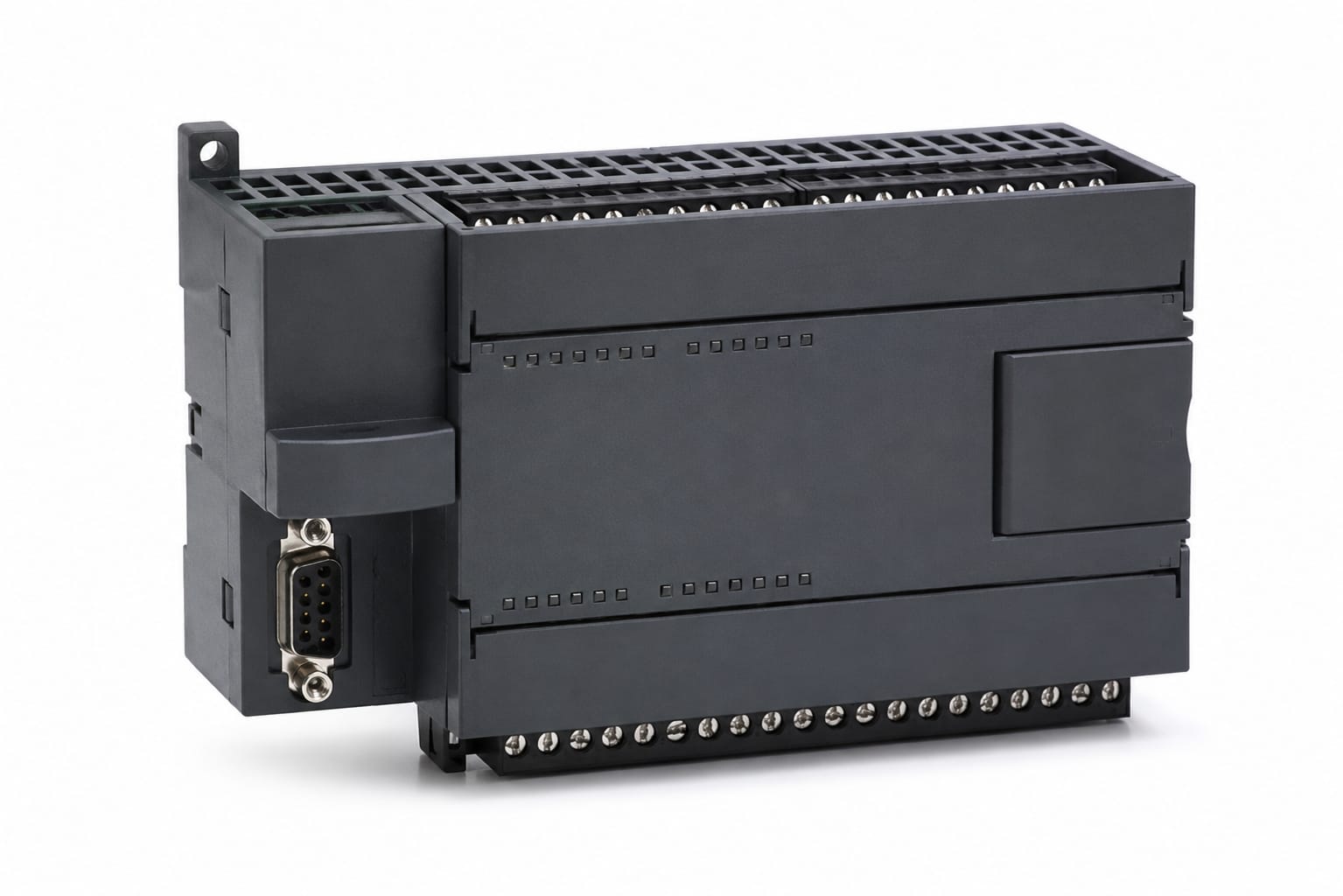
The Siemens S7-200 is a compact programmable logic controller used in industrial automation systems. It helps control machines, processes, and production lines efficiently. Additionally, it supports basic to intermediate level programming logic.
In this Siemens S7-200 PLC Programming Guide, you will learn how it works, how to program it, and how to apply it in real-world systems.
Why Siemens S7-200 is Important
The S7-200 PLC is still important because:
- It is beginner-friendly
- It supports ladder logic programming
- It is cost-effective
- It is widely used in small industries
Furthermore, many modern PLC systems are based on the same logic concepts. As a result, learning S7-200 helps in understanding advanced PLCs like S7-1200 and S7-1500.
Basic Components of Siemens S7-200 PLC
The system consists of several key components:
1. CPU Module
This is the brain of the PLC. It processes all instructions and controls outputs.
2. Input Modules
These modules receive signals from sensors and switches.
3. Output Modules
These control devices like motors, lights, and relays.
4. Power Supply
It provides energy to the PLC system.
Moreover, each component works together to ensure smooth automation.
Programming Language Used
The Siemens S7-200 mainly uses Ladder Logic (LAD). However, it also supports other languages like:
- Statement List (STL)
- Function Block Diagram (FBD)
In addition, ladder logic is the most commonly used because it is easy to understand and visually structured.
Step-by-Step Siemens S7-200 Programming Guide
Step 1: Install Software
First, install STEP 7 Micro/WIN software.
Step 2: Create a New Project
Then, open the software and create a new project file.
Step 3: Select CPU Model
After that, choose your PLC CPU type.
Step 4: Write Ladder Logic
Now, start writing your control logic using contacts and coils.
Step 5: Compile Program
Next, compile your code to check errors.
Step 6: Download to PLC
Finally, download the program into the PLC and test it.
For example, if you want to start a motor using a push button:
- Input: Start Button (I0.0)
- Output: Motor (Q0.0)
When the button is pressed, the motor turns ON. Similarly, when it is released, the motor turns OFF (depending on logic design).
Advantages of Siemens S7-200 PLC
There are several advantages of using this PLC:
- Easy programming structure
- Low cost
- Reliable performance
- Strong industrial support
Moreover, it is suitable for beginners and small-scale automation systems.
However, it also has some limitations:
- Limited memory
- Outdated compared to modern PLCs
- Less advanced communication features
Therefore, it is mostly used for learning and small projects.
Applications of S7-200 PLC
The Siemens S7-200 is used in:
- Packaging machines
- Conveyor systems
- Small production lines
- Pump control systems